 The SSD Review The Worlds Dedicated SSD Education and Review Resource |

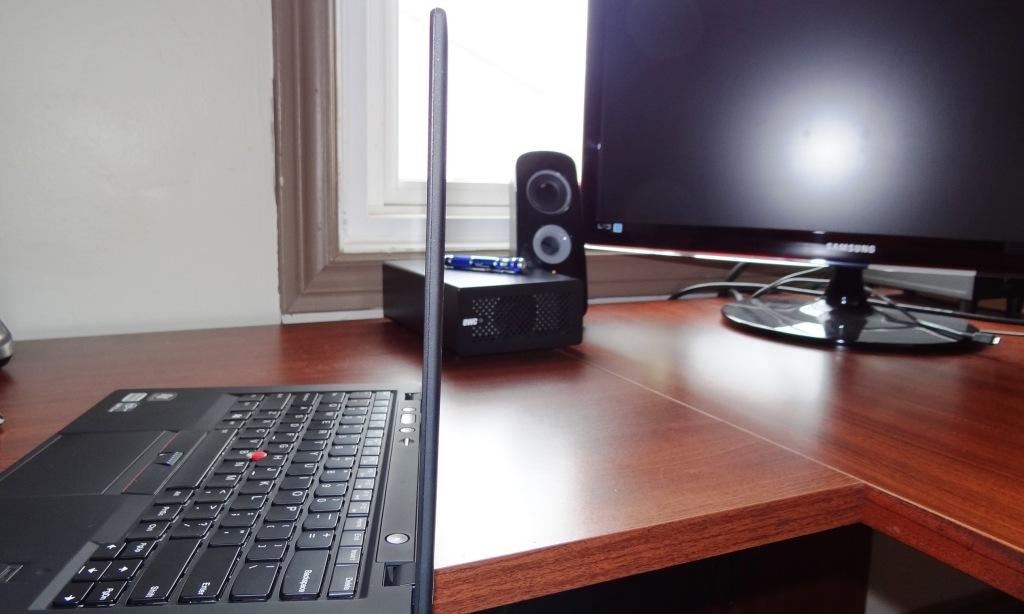
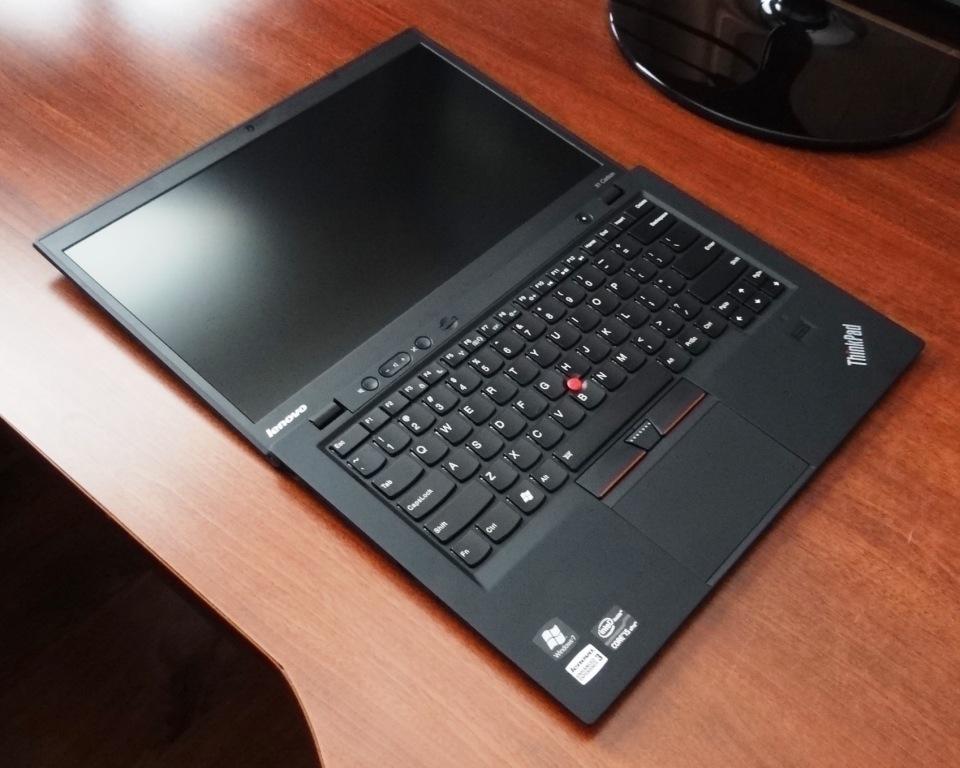 It might seem a bit odd displaying the X1 in such a fashion for our opening shot, however, this ranks high in the list of unique qualities of the Lenovo X1 Carbon.
In fact, if you are like I and spend a great many hours on the road typing articles in the passenger seat of a vehicle with the X1 resting on your knees, this characteristic alone is enough to make one seriously consider this purchase. Add on the lightning speed of the SSD and it becomes a no brainer.
If I were to be completely frank, I have never been much of a Lenovo fan for reasons of style and that little red button that I still don’t quite understand. They ranked right up there with Apple products for the longest time and, well, we know where I ended up there now don’t we?
Conversely, Lenovo quality and workmanship has always been beyond reproach as has their success in the business environment, Lenovo easily being the laptop choice of business for some time. Can they jump from that arena with the X1 Carbon and into consumer ultrabook success though?
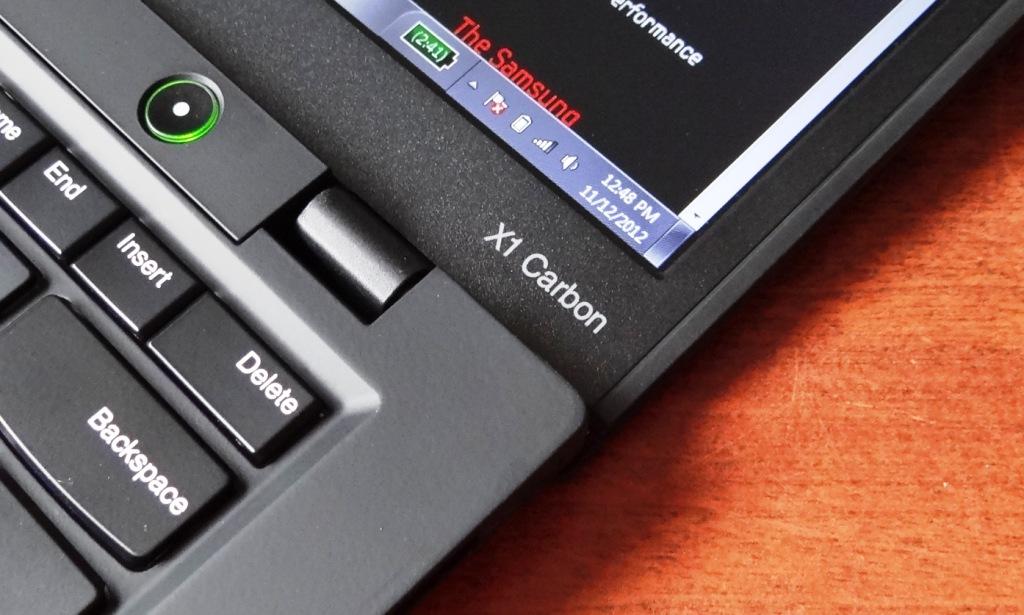
SPECIFICATIONS
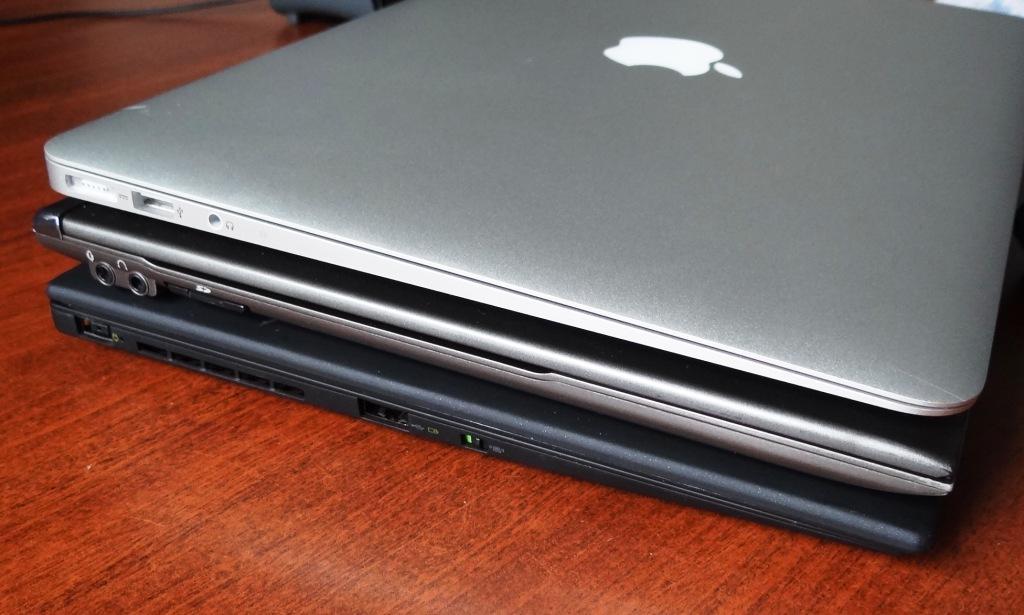
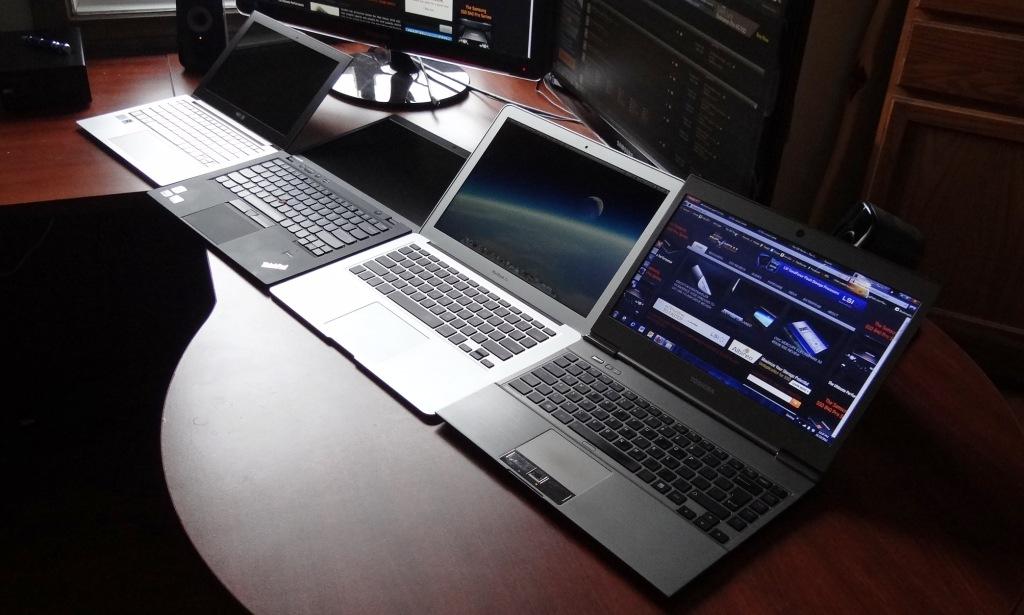
Lenovo claims that the X1 Carbon is the lightest 14″ ultra on the market and, at 2.99 lbs and 0.71″ thick, they present quite the challenge. To accomplish this, the exterior of the X1 is carbon fiber which is stronger than the most commonly used aluminum finish and at only 1/3 of the weight. In the picture below right, the X1 Carbon is shown on the bottom with the Toshiba Z830 and MBA on top, providing a bit of a size comparison with respect to the thickness of each.
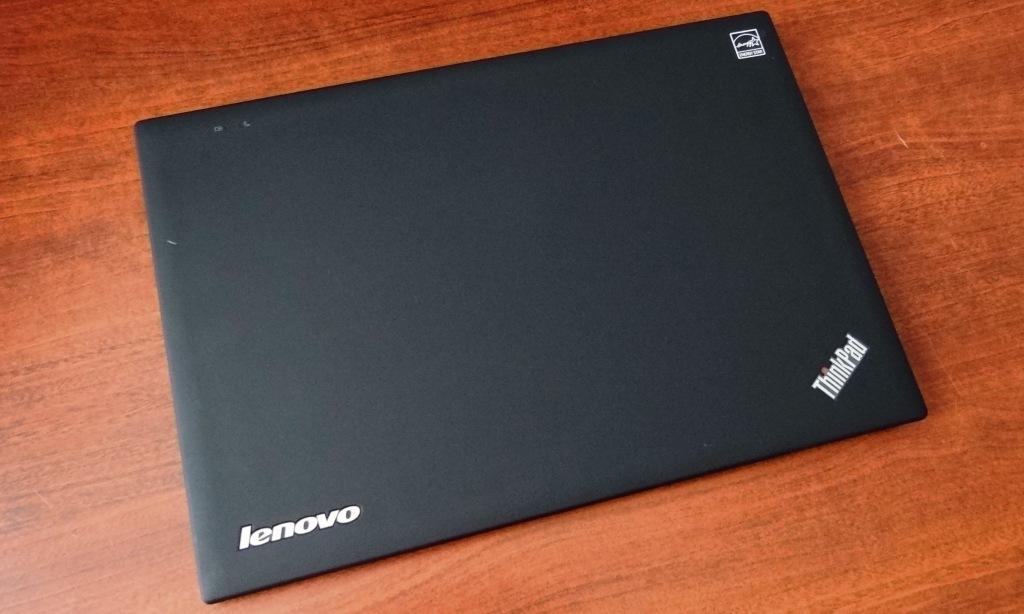
Add to this that the X1 also has embedded 3G connectivity with a backlit island style keyboard and the X1 Carbon increases it’s value in both business and consumer environments significantly. It’s screen is thin, keyboard very comfortable to use and the X1 feels solid when being held or moved around.
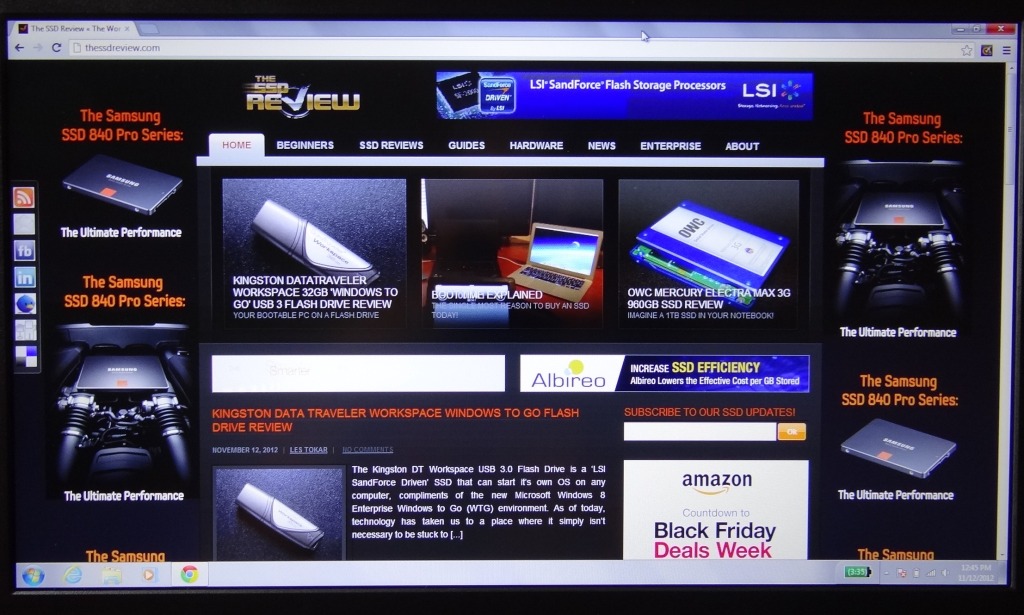
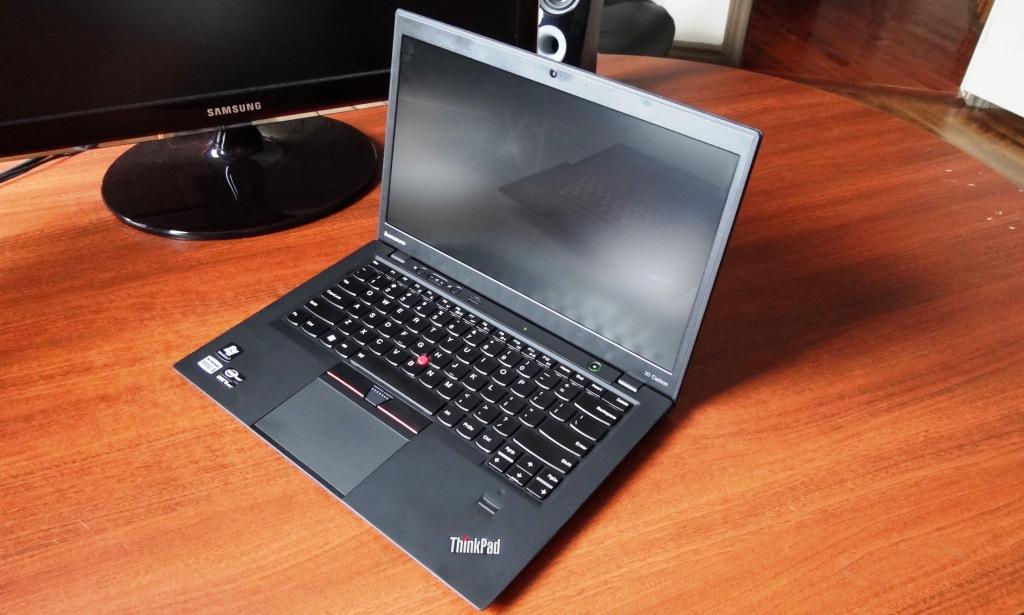 The screen of the X Carbon is of an anti-glare coating, has a 1600×900 HD display with a wide viewing angle and capable of a maximum 300nit brightness. The X1 also includes includes a shatterproof glass trackpad, 720p webcam, USB 3 and has up to 8.2 hours of battery life.
 Peripherals on the left side of the X1 include the power port, air vent, USB port and a speaker switch while there is a Kensington lock, USB port, display port, SD card reader and headphone/mic jack on the right.
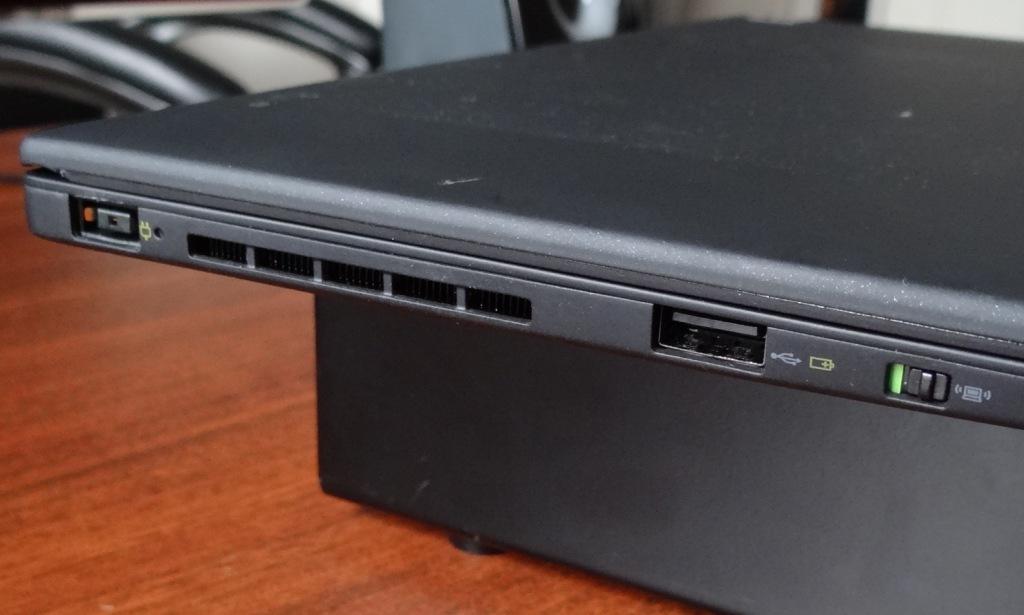
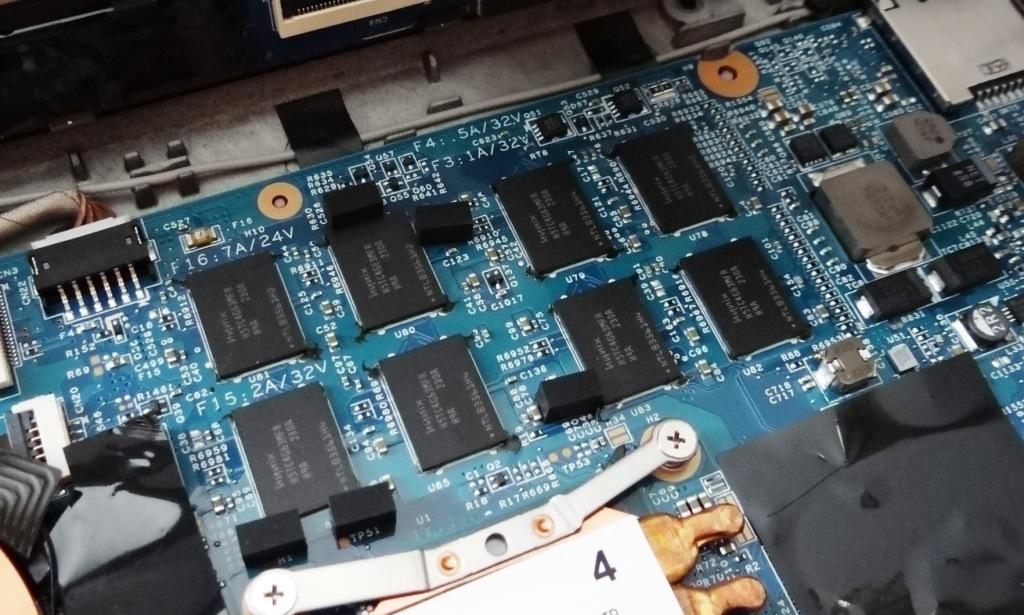
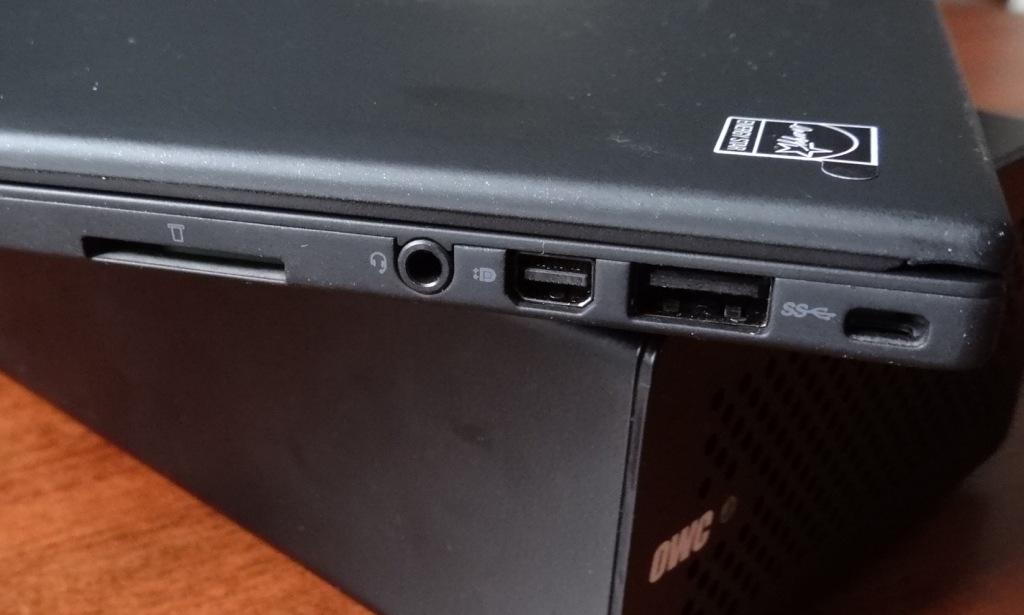 Configuration options have always been vast for Lenovo systems and our sample X1 Carbon included an Intel Core i5-3427U processor @ 1.8Ghz, 4GB RAM and integrated Intel 4000HD graphics. The RAM can be upgraded at the time of purchase but not after the fact as the memory is also integrated into the system board.
Is the SSD a gum stick type versus a mSATA?
Fixed and a slip of the pen… It is a gum stick or blade style SSD and definitely not an mSATA.
I think there’s a typo on the last page. “for the most part because of it’s plane and unpolished look” should be “its plain”
But otherwise great review!
Ya serves e right for trying to get it in on the weekend…eheh
Yeah, Les, crack open and fix that ultrabook! 🙂
A small nit: I cringe when you call the cpu a PENTIUM processor. There are still chips being made which carry that name, but this is a Core processor. Perhaps you meant Intel?
Les, What kind of connector is the drive using? I’m trying to find an adapter to convert it to standard size SATA. It’s only 20mm wide so it’s not a mSATA,
The connector is a step off of mSATA yet not PCIe. We have yet to find even an adapter to match.
I want to upgrade my 128SSD on X1 Carbon to 256SSD. Any SSD recommendations?
Great laptop. I think they have BY FAR the best keyboard in the industry. Maybe a better display wold be a good idea 🙂 At least as an option. Does Lenovo not remember when they offered the Flex View display how much people liked that??
BTW, I am liking my Vector 512GB 🙂
Stupid Question but does the Vector 512 fit into X1 carbon? What are the exact SSD specifications. I have i7 with 128SSD and want to upgrade to 256
The X1 Carbon contains a mSATA blade SSD, consumer releases of which are rare. You could check around with Runcore or OWC as they sell similar but I would want to get verification that it is compatible. The Vector is not compatible.
Hands down the best of the best, Hands down the best of the best, few days it’ll be alll mine. https://goo.gl/umoAEfew days it’ll be alll mine. https://goo.gl/umoAE
I just found a new link to paste in my “Best Tech” folder in my browser !!
Good stuff !
Wow…thank you for the compliment and feel free to pass on the good word!
Les, please help!!! How can I upgrade the ssd on X1 Carbon Touch. I need 480gb or higher. Is there an ssd on the market for x1? Lenovo support team can’t answer any of my questions. Will OWC 480GB Aura Pro 6G work?
Unfortunately, I can’t answer that question. The blade style solid-state drive is still a very new phenomenon. My suggestion would be to contact Other World computing directly.
Les, thank you for replying. OWC says their card only supports Mac, but the dimensions are identical. I think they only tested it on Mac. They have a 30 day return policy. I am thinking to give it a try.
correction, dimensions are not the same. I don’t think the card is going to work. after month of researching I gave up on the idea of upgrading the ssd.
Hi Dmitriy, I am also on the same boat as you..although you gave up the idea of upgrading the ssd, did you actually bought and tried or you just researched on it and left the idea ?
Great review. I just picked up a X1 Carbon. Looks like mine has an 240GB Intel SSD instead of the SanDisk X100. From the looks of things it’s an Intel 525 SSD.
Thats an excellent SSD and a bit surprising of a find!
Could you please tell me the exact model number of the ssd.. I used Intel 525 SSD keywords to search but that’s comparatively shorter than the stock ssd (sandDisk). Could you tell if there is intel 525 ssd how is it fitted in X1 Carbon ?